Turn your photosinto trendingAI videos.
Choose a video effect, upload a photo of yourself, a friend, or a pet, and create your own video. No prompts or editing needed.
Start with a video you love.
Explore viral videos
A new look, a new story. Which one is you?
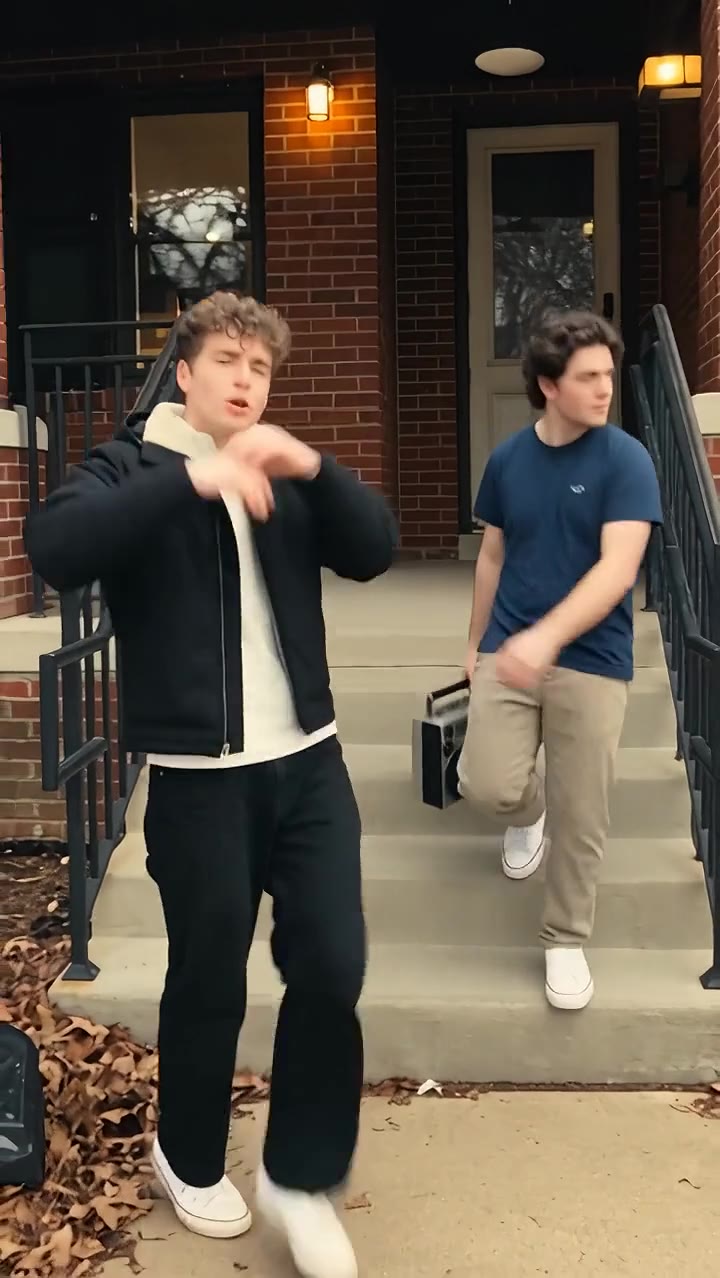
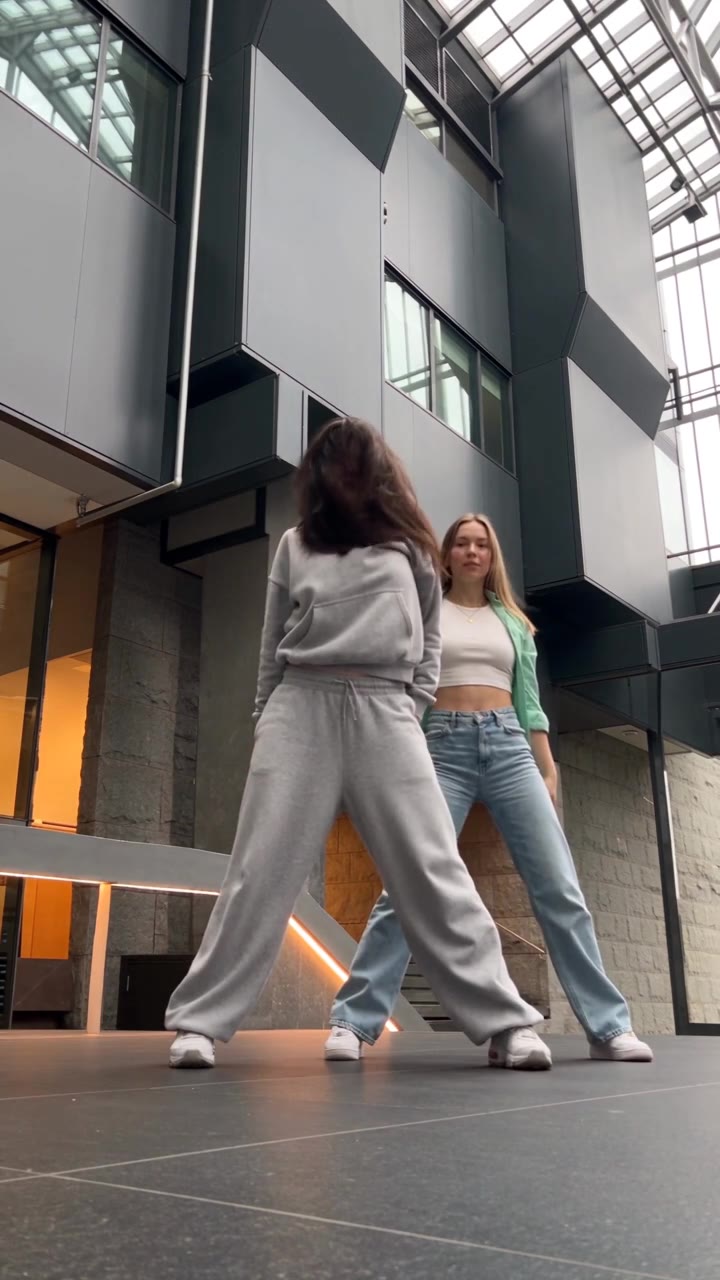
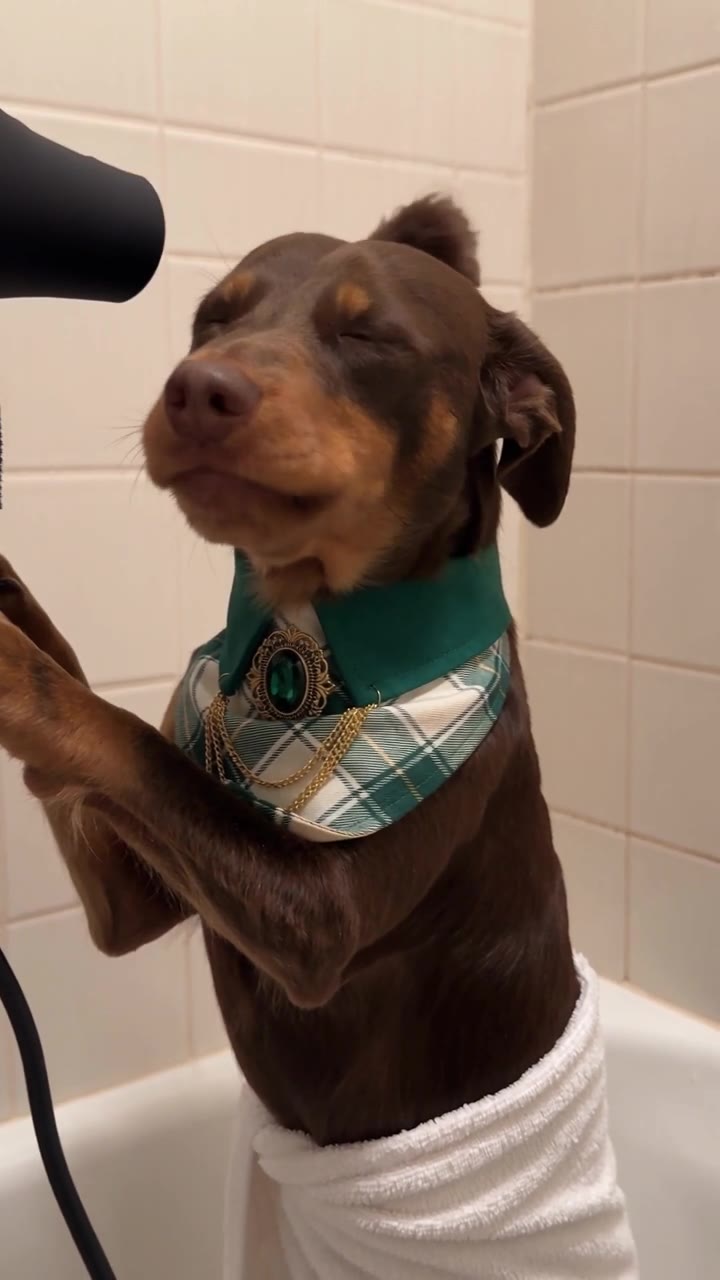
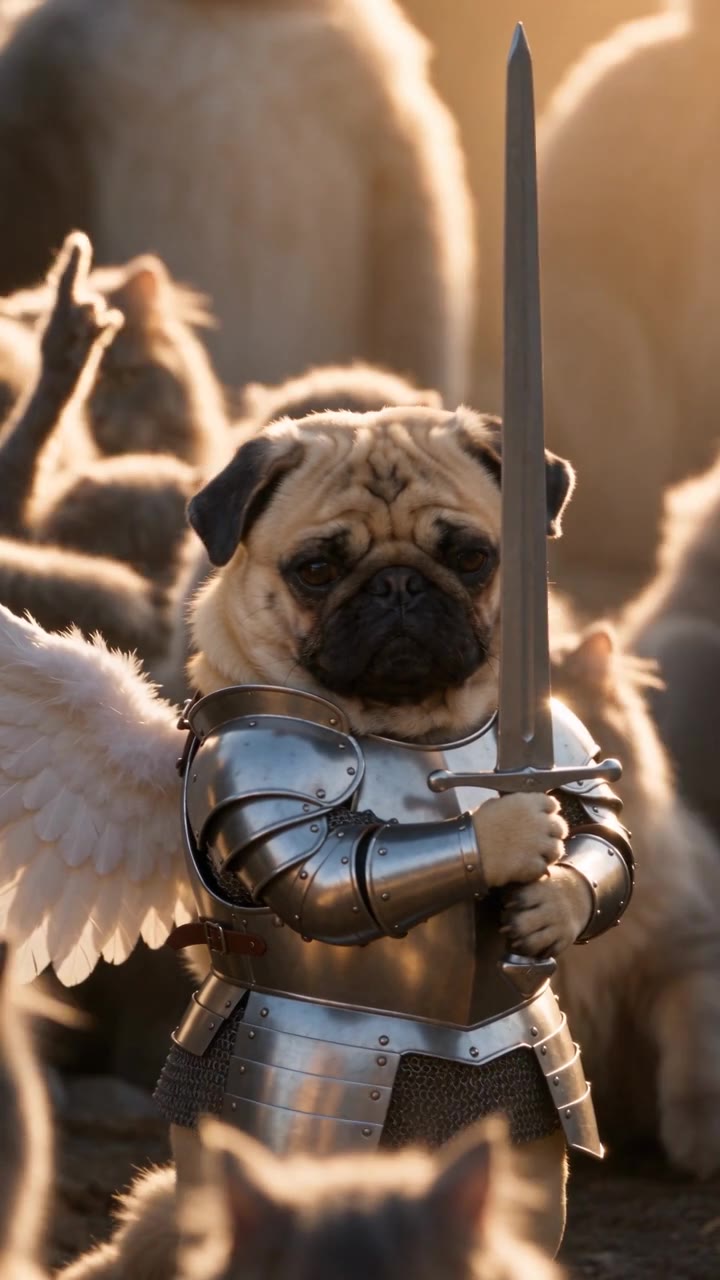
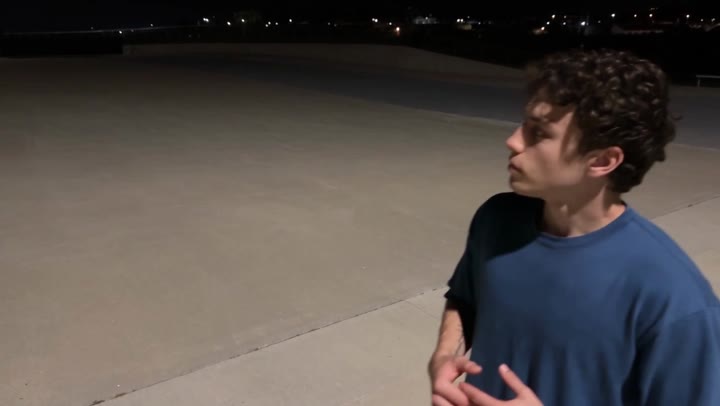
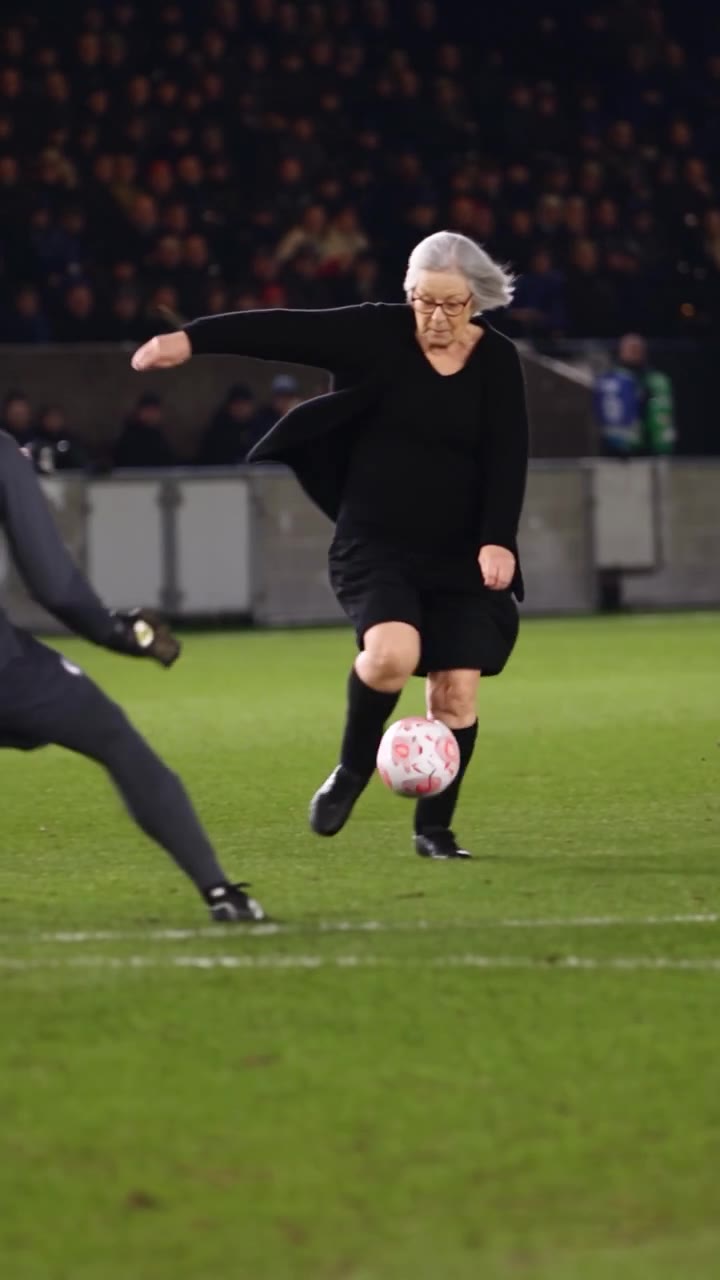
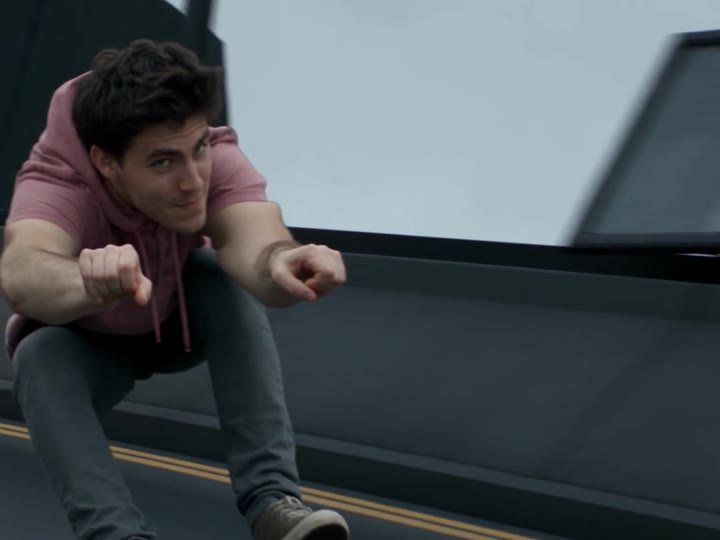
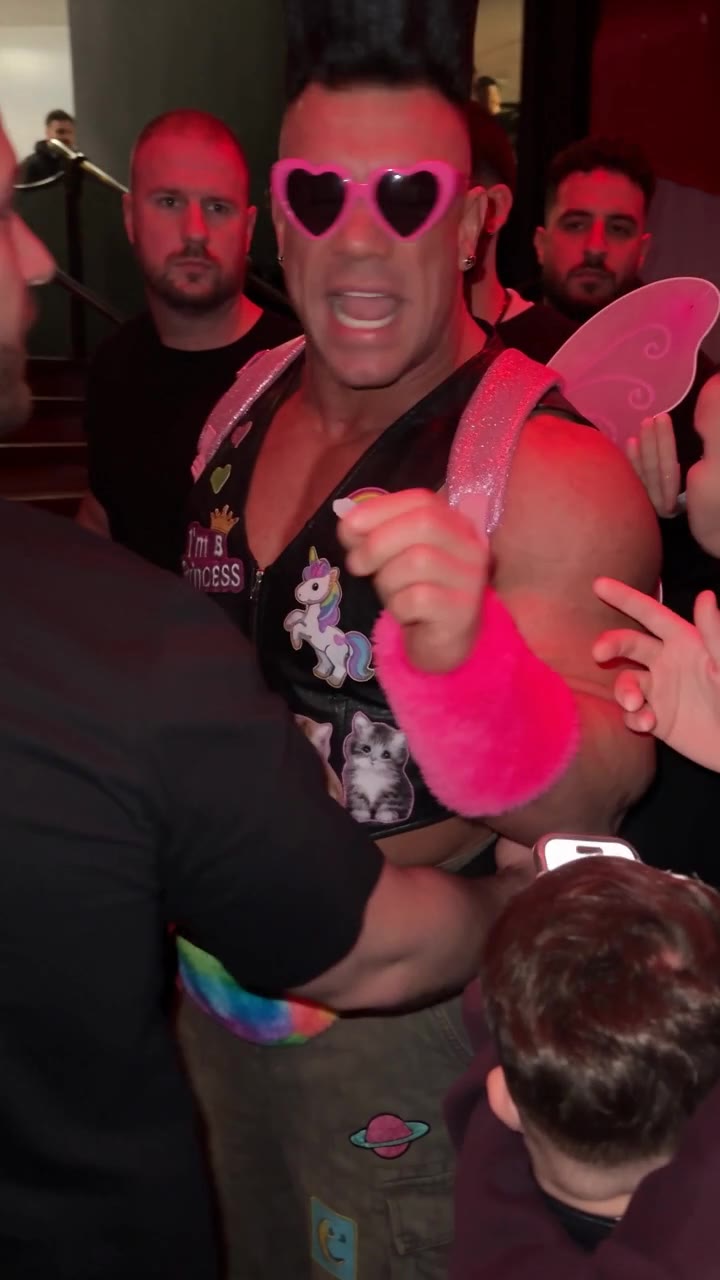
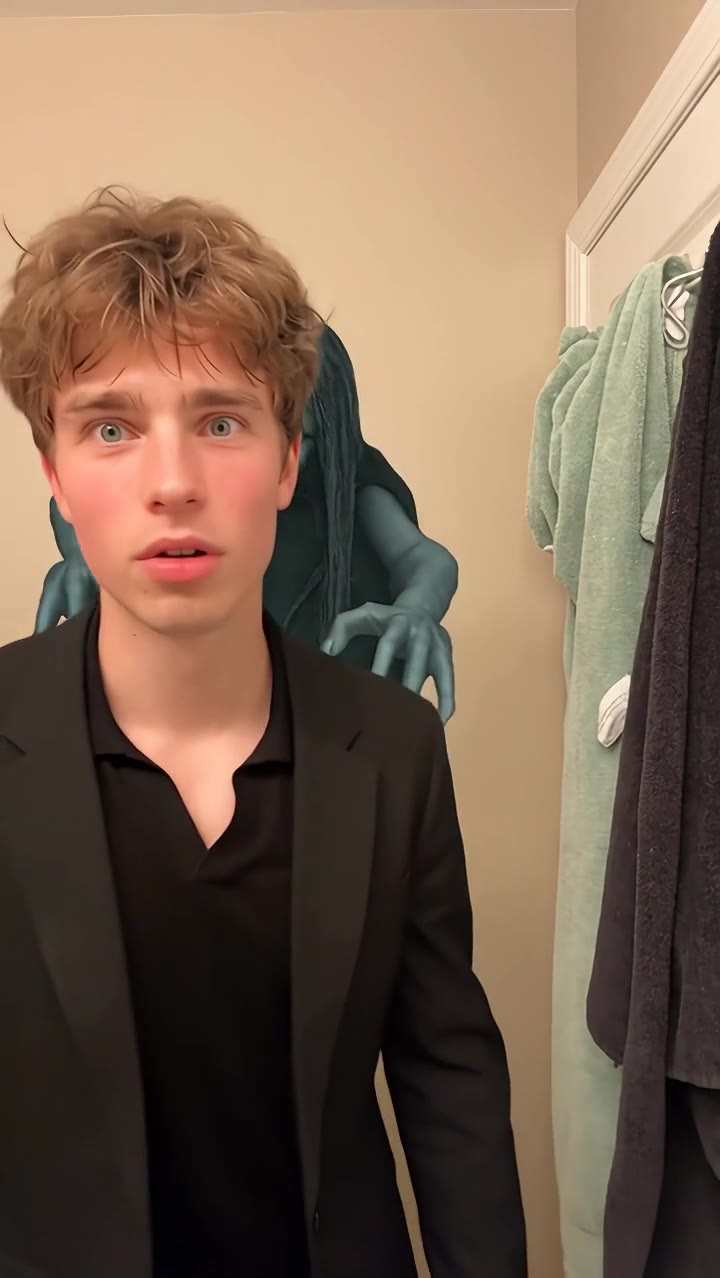
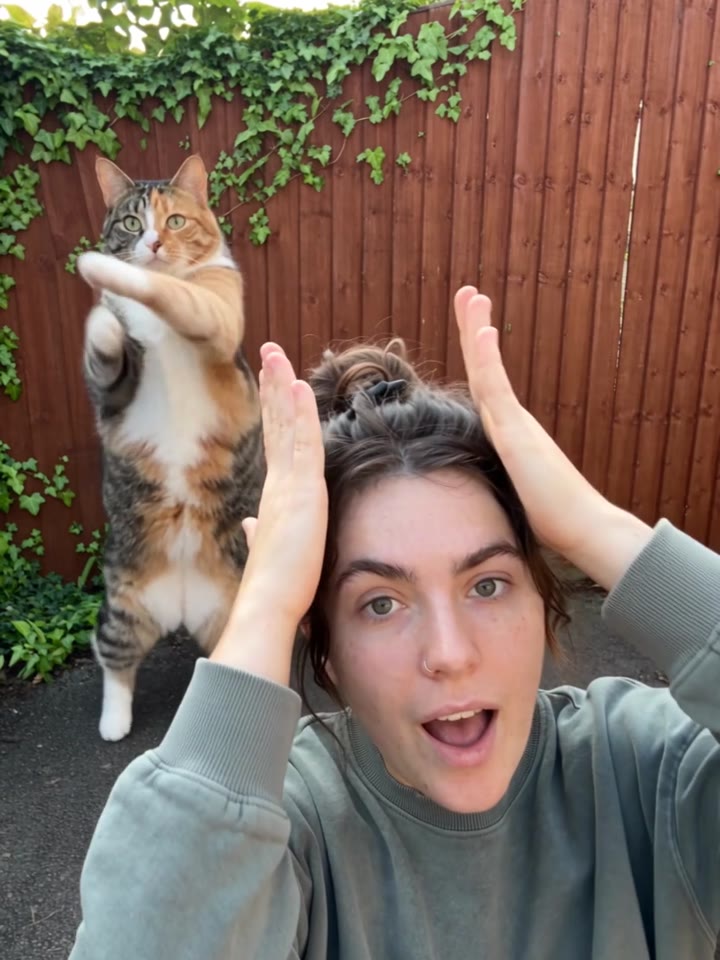
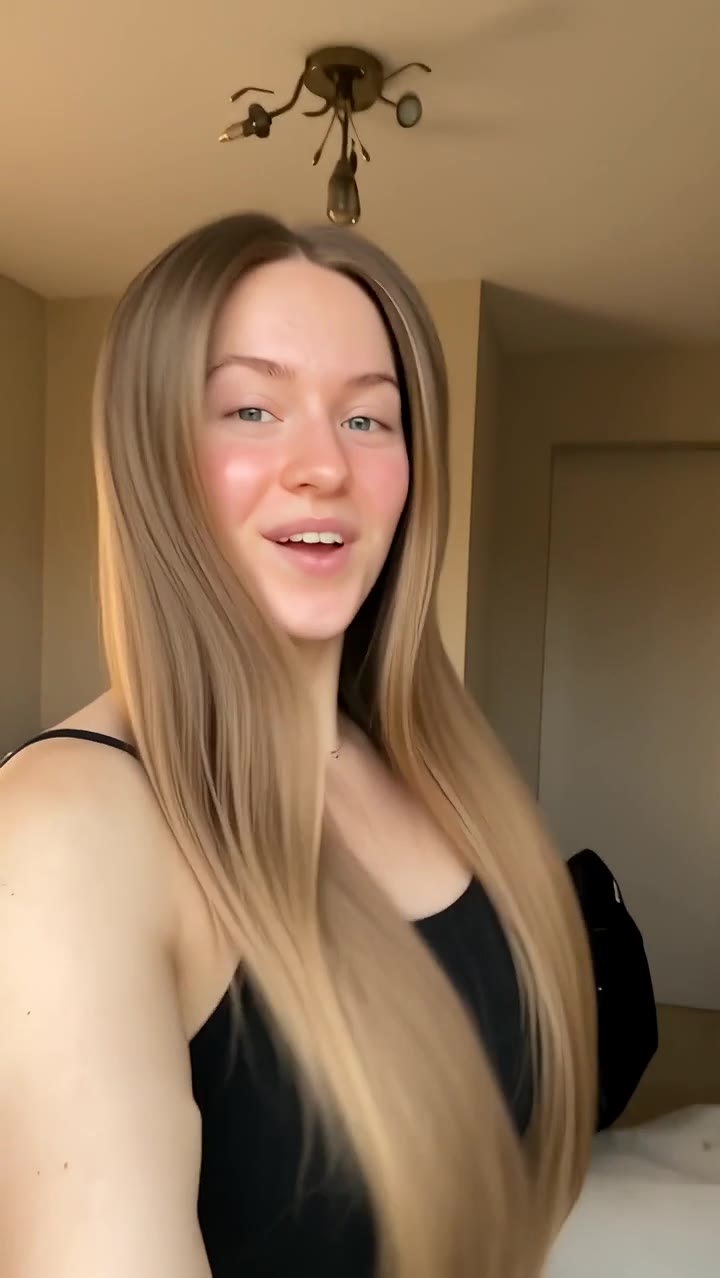
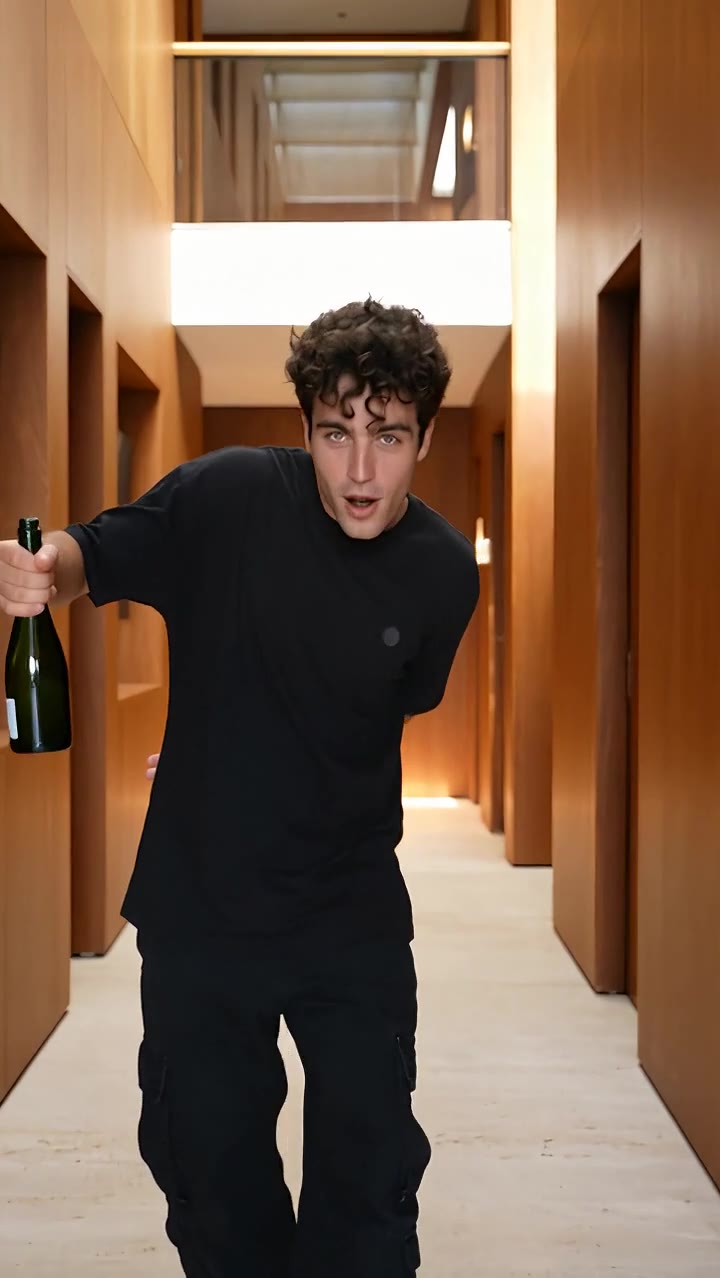
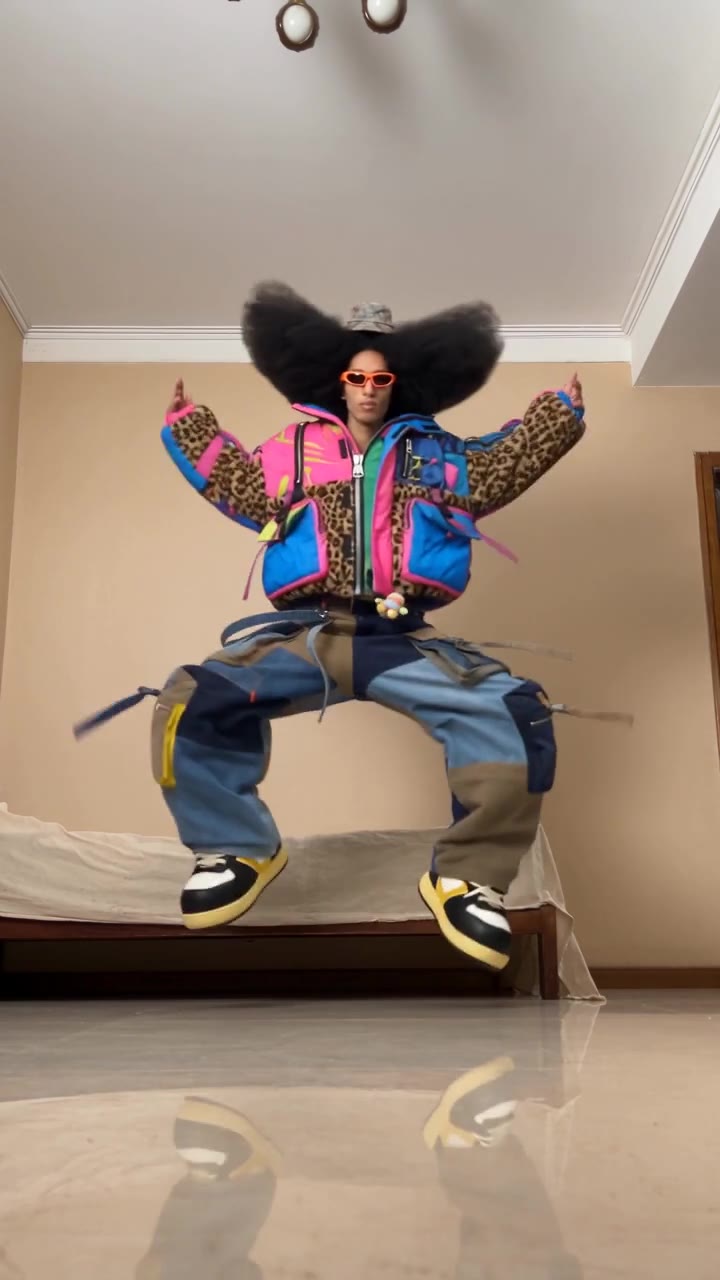
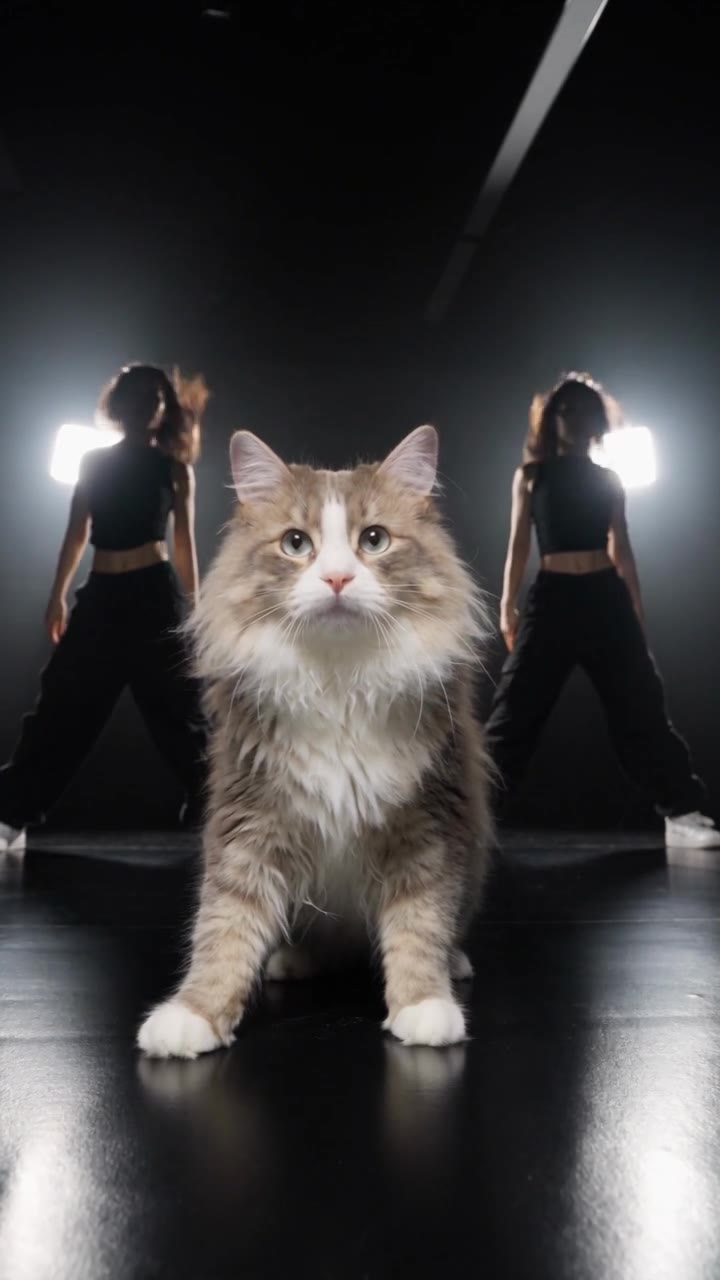
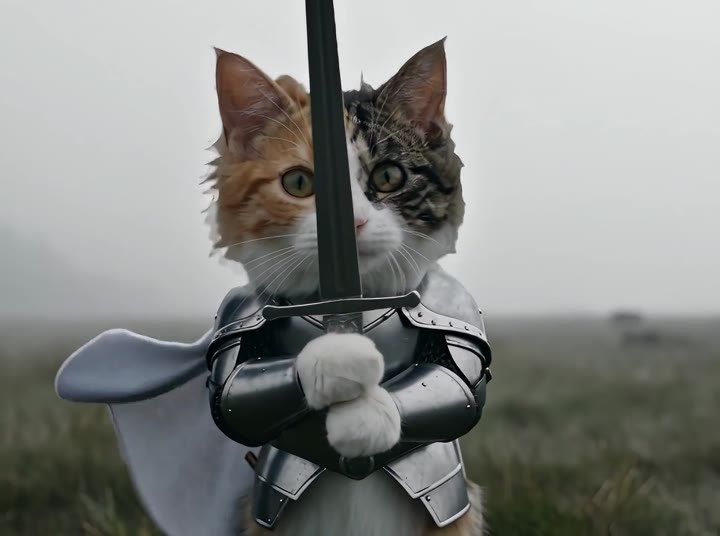
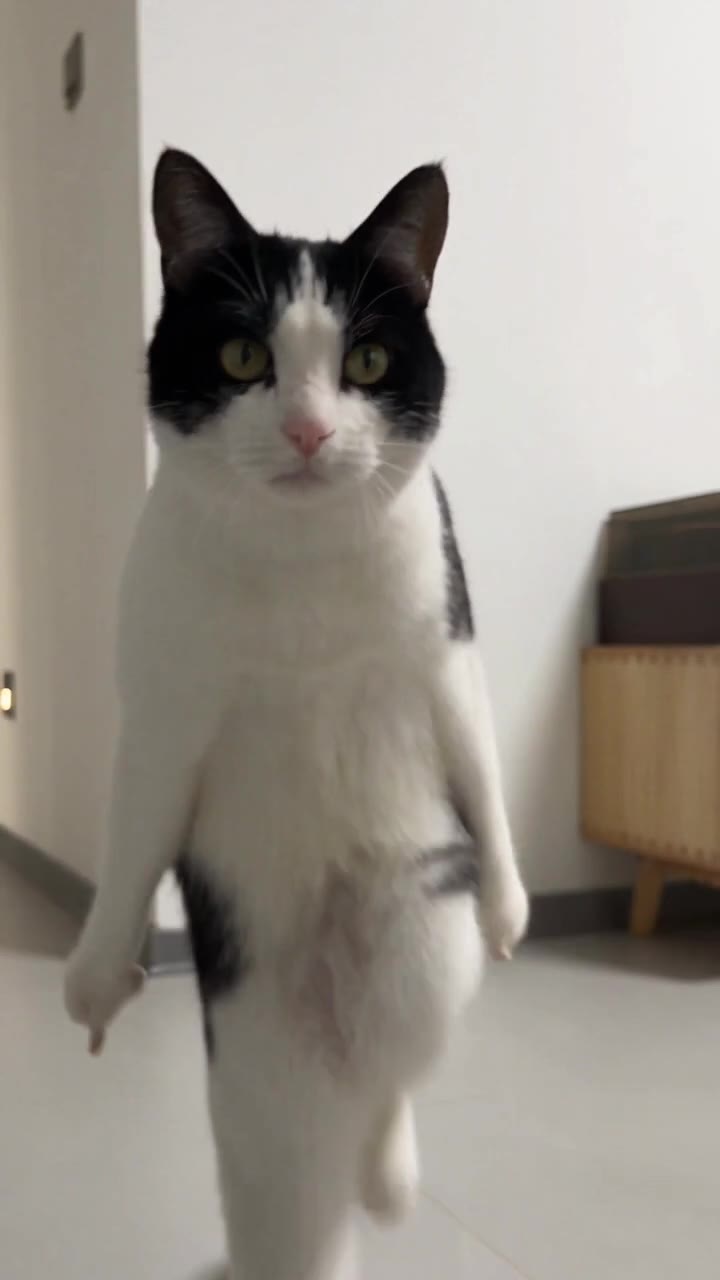
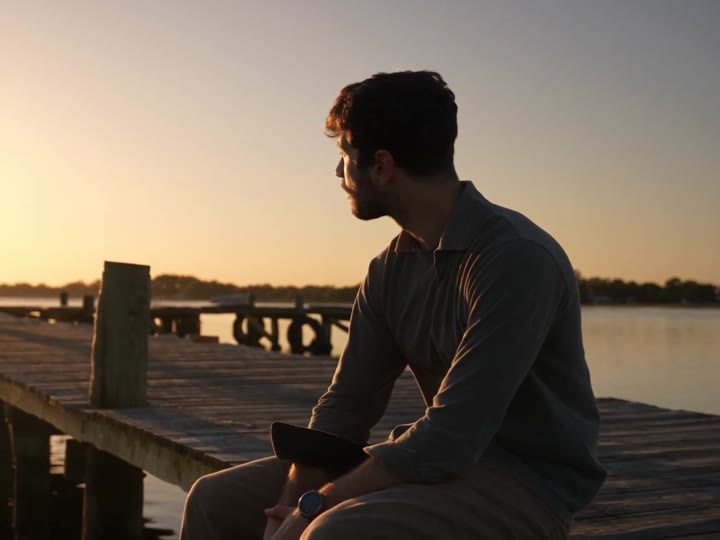
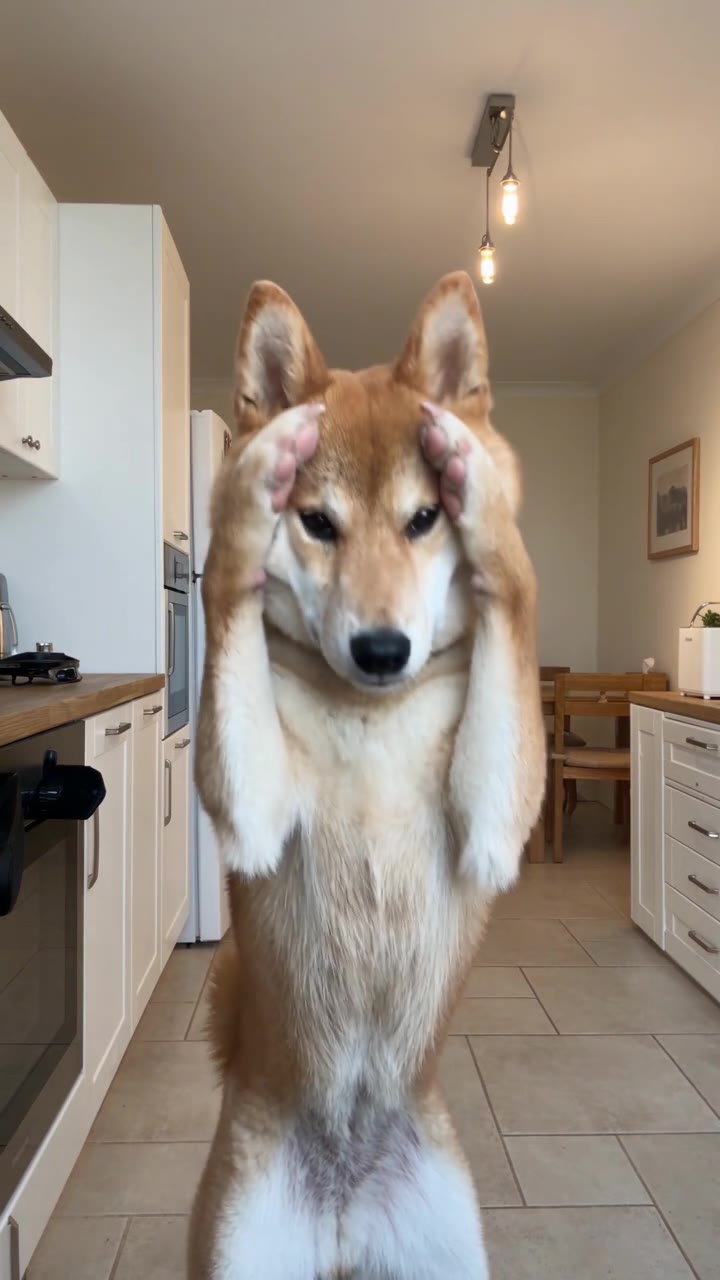
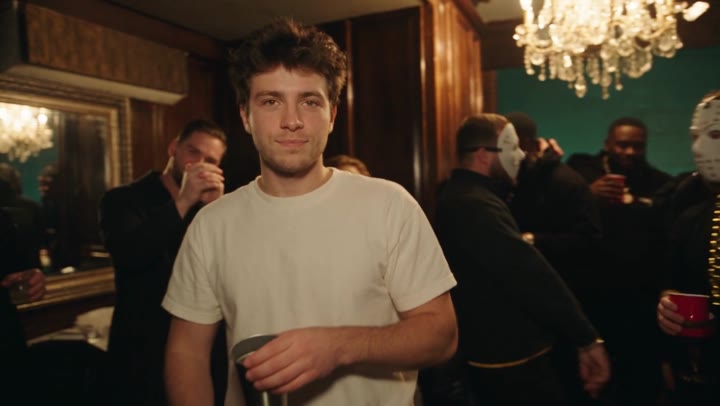
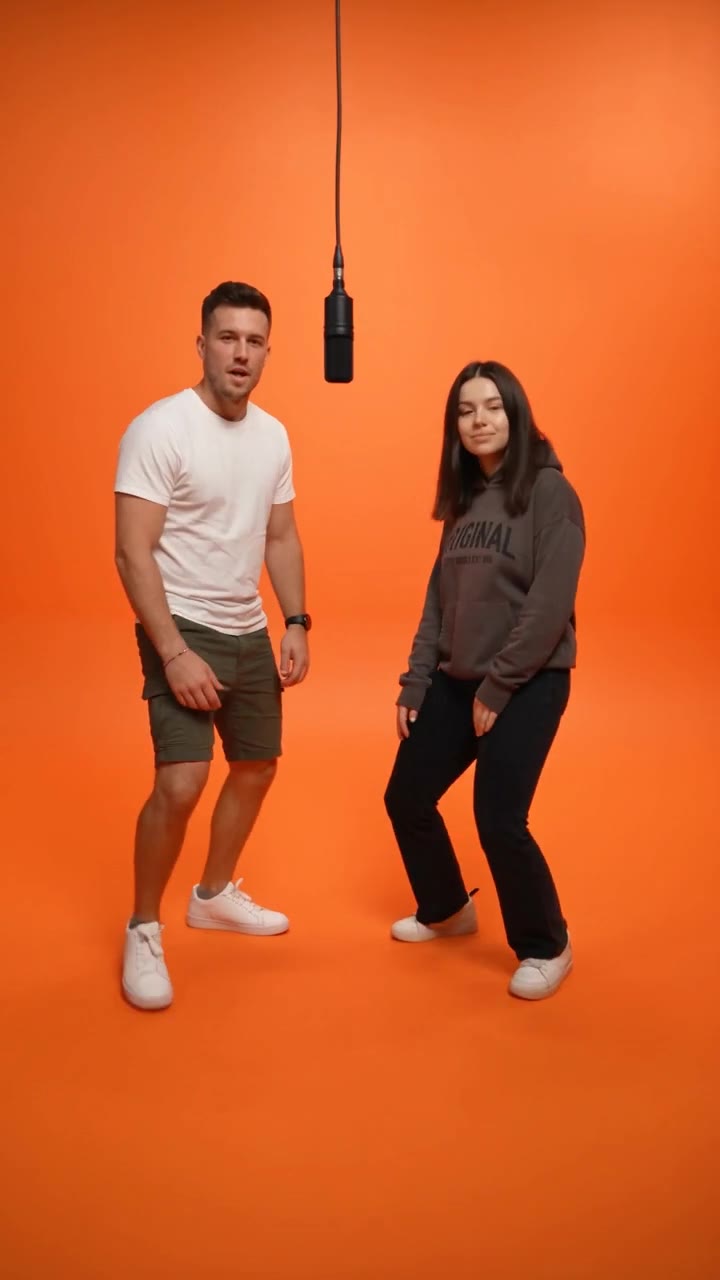
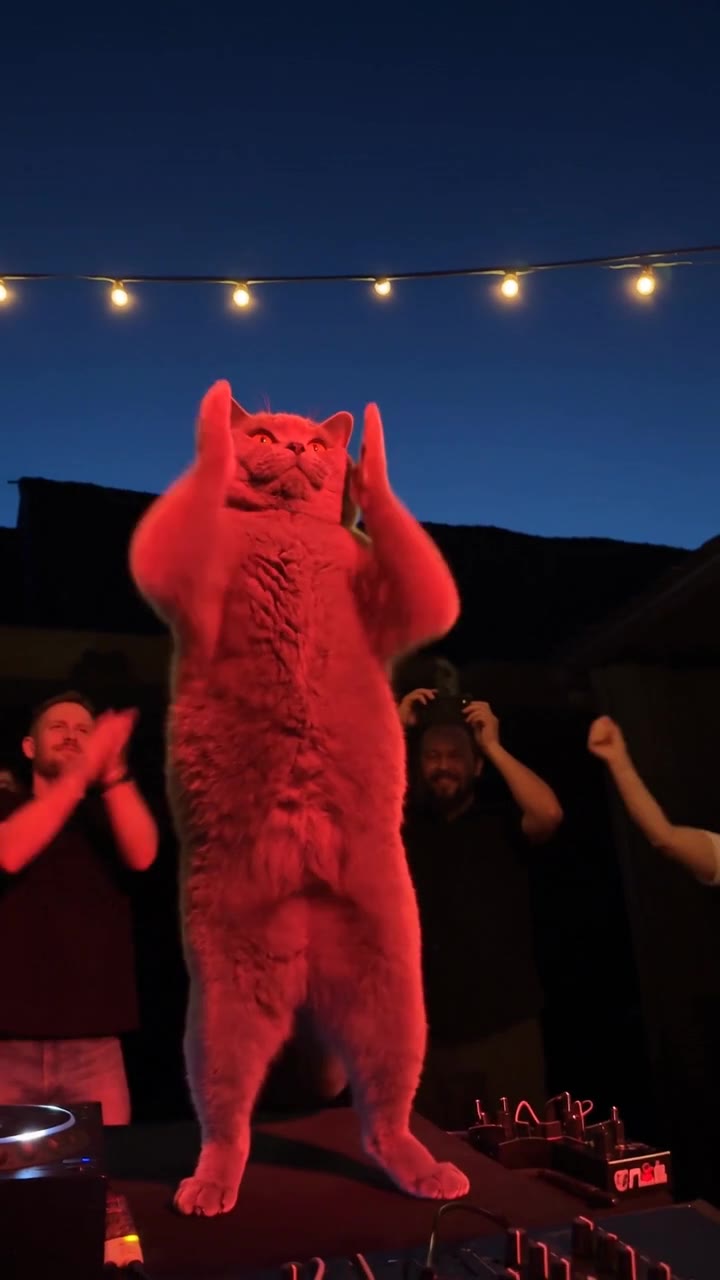
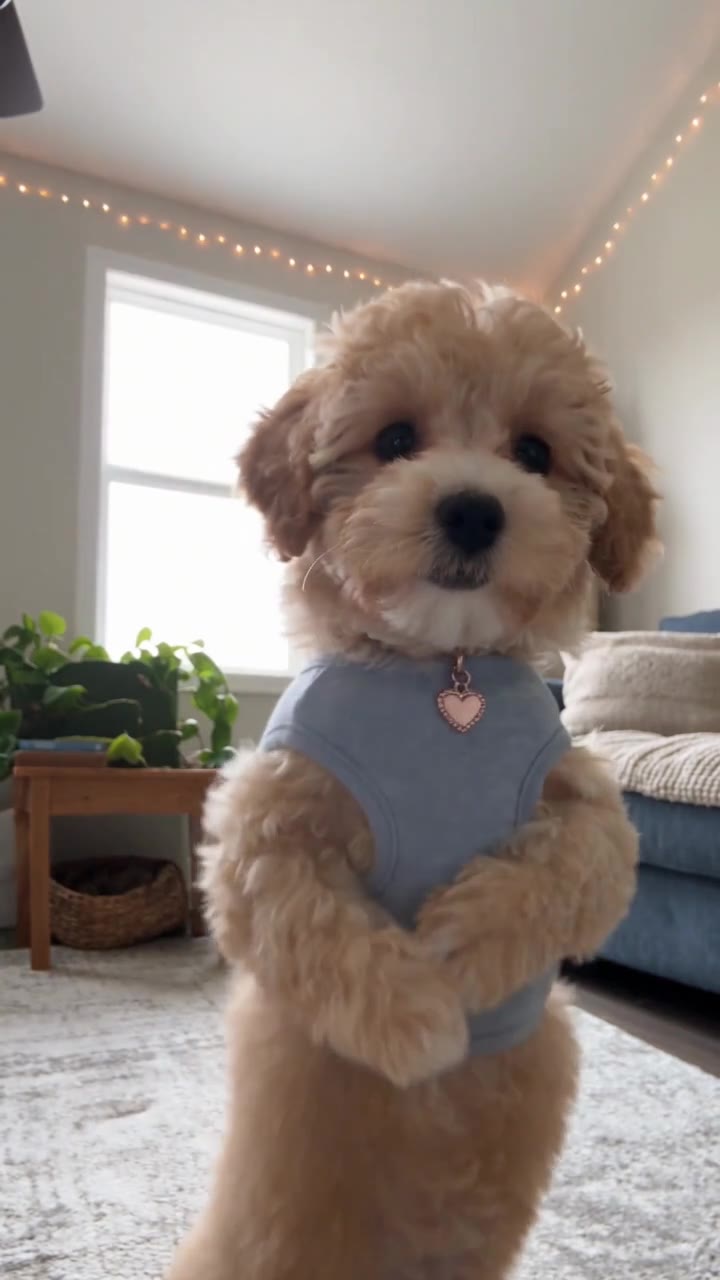
From camera roll to main character.
Three small steps. A whole new story.
- Step 01
Find your favorite effect
Explore the previews and choose the video effect you want to make.
- Step 02
Upload your photo
Add one or two clear photos as required by your template, and put your subject in the story.
- Step 03
Generate and download
Confirm your quality and credits, then generate. Preview and download the result in My Videos.
A few things you might wonder.
How do I make a trending AI video from a photo?
Choose a trending video template you like, upload your photo, and select “Create this video” to start. TrendClipGen generates your video using the selected template, with no filming or editing required.
Do I need to write prompts or learn video editing?
No. Every template comes with preset movements, scenes, and visual effects. Simply choose an effect and upload your photo. AI handles the video creation.
Can I upload photos of myself, friends, or pets?
Choose a template suited to people, pets, or objects. Some effects also support interactions between two people or two pets. Make sure you have any necessary permission before using someone else’s photo.
How many photos do I need, and which photos work best?
Most templates need just one photo. Some two-person interaction templates require two.
Use a clear, well-lit photo that shows the complete subject. For people, choose an unobstructed face with clearly visible features. For pets, make sure their face and body outline are easy to see.
Will the person or pet still look like the original photo?
AI uses your photo as a reference and tries to preserve the main appearance of the person or pet. Small changes to facial features, fur, or movement may occur, so the result may not exactly match the original photo.
Clear photos usually produce more natural results.
Will my video look exactly like the template preview?
The preview shows the movements, scene, and overall style. AI generates new content using your photo, so expressions, movement details, and backgrounds may vary.
Each generation is a new AI-created result, rather than simply pasting your photo onto the original video.
How long does an AI video take to generate?
Generation time depends on the template, video length, and current workload.
After submitting, you can check the task status in “My videos.” You do not need to keep the current page open while it generates.
Is TrendClipGen free, and how much does a video cost?
Browsing and previewing video templates is free.
Generating a video uses credits. Credit packs are one-time purchases; credits never expire, with no subscription or automatic renewal. Credit costs vary by template, length, and resolution and are shown before generation.
Any free trial allowance is shown in your account.
Will I lose credits if video generation fails?
If a task fails because of a technical problem with our system or the video generation service, the deducted credits are automatically returned to your account.
A technical generation failure is different from a successfully generated result that does not meet your personal expectations. Please see the refund information for the applicable rules.
Refund PolicyAre my uploaded photos and generated videos safe?
We handle your uploaded photos and generated videos according to our Privacy Policy. Your personal creations are not publicly displayed to other users by default.
Fixed retention periods for photos and videos have not yet been published. Download and save your generated videos promptly. Please see the Privacy Policy for details about third-party AI processing, data use, and deletion.
Privacy